 National Holiday Calendar
Gmail Calendar In Outlook - And that inbox is likely an outlook inbox — over 3.7 million companies use microsoft outlook for email management. But if you need more specialized features, apps. Log in to your outlook account. In this guide, you’ll learn the steps to add a google calendar to your outlook on the web work account connected to a microsoft 365 subscription. Then, under ”my calendars,” hover on the calendar you want to open with outlook. Microsoft outlook is an email management software that offers features for email communication, calendar organization, contact management and task tracking.
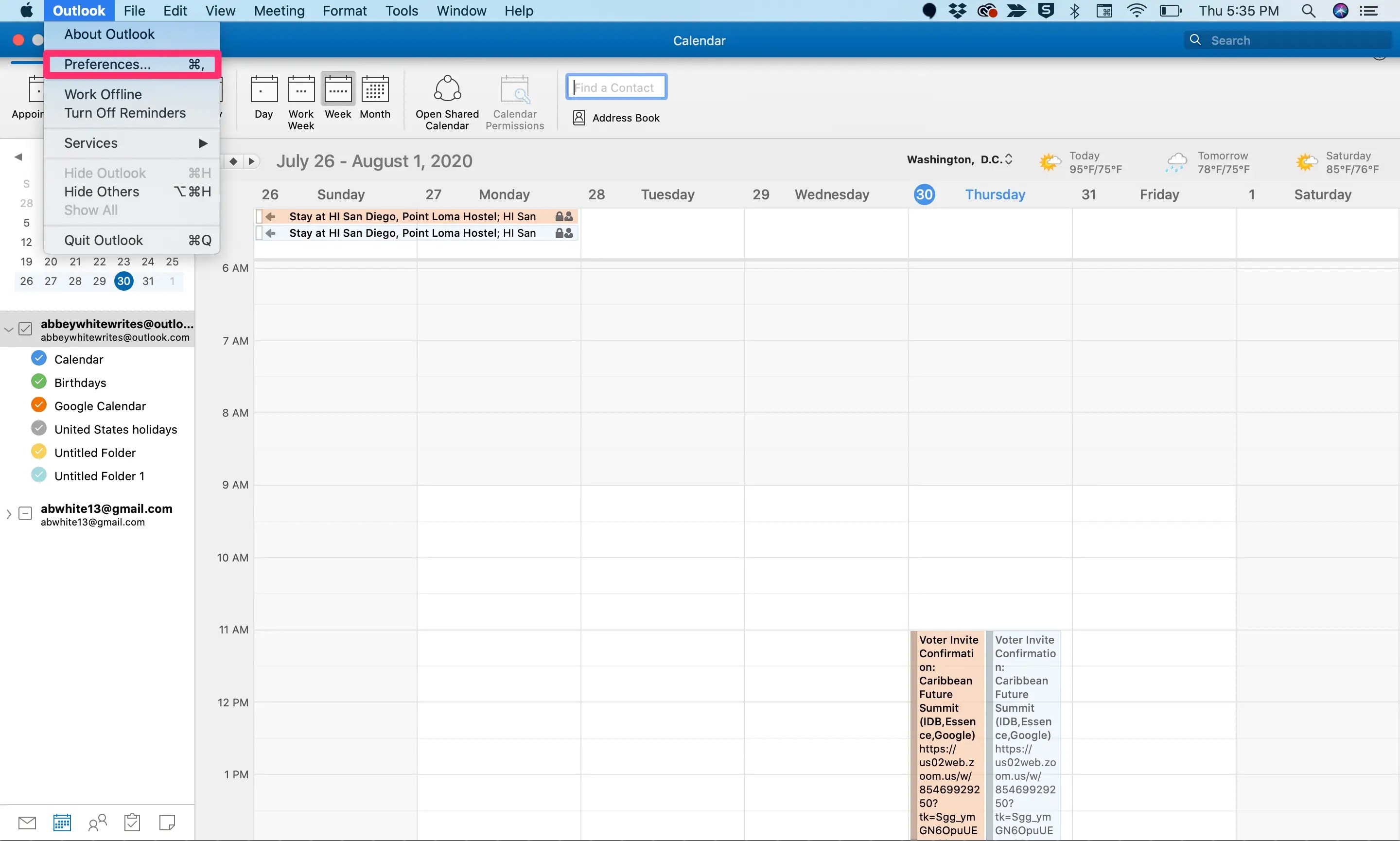
Sync Gmail Calendar With Outlook Desktop Vchrom
To add your google calendar to your outlook account, complete the following steps:. In this article, we will sync entries in a google calendar with our outlook calendar, so the google calendar will be the source and the outlook calendar will be the target. Microsoft outlook is an email management software that offers features for email communication, calendar organization, contact management and task tracking.

Outlook Gmail Calendar Sync Windy Kakalina
To start syncing your gmail calendar with outlook, you need to enable calendar syncing in gmail. Thankfully, adding google calendar to your microsoft outlook account is a simple process. You can add your calendar to view in another application, and some applications will also let you edit events. Open google calendar on your computer. Explore subscription benefits, browse training courses, learn how to secure your device, and more.

Sync Gmail Calendar With Outlook 2019 Apartmentbetta
Most businesses live in their inbox, whether they like it or not. Looking to sync google calendar with microsoft outlook so all your events show up in both applications? Here’s how to sync outlook with google calendar and then shift into reverse. Sharing an gmail.com calendar with an outlook.com user. And that inbox is likely an outlook inbox — over 3.7 million companies use microsoft outlook for email management.

Sync Gmail Calendar With Outlook Version 17 Tecgera
There are two ways to view google calendar in another calendar application. Seamless integration with gmail, google meet, and other google services. Log in to your outlook account. To add your gmail calendar to outlook, follow these steps: These instructions essentially retrieve a live url from google calendar that can be inserted.

Gmail Calendar Outlook Printable Calendar 2023
In this article, we will sync entries in a google calendar with our outlook calendar, so the google calendar will be the source and the outlook calendar will be the target. Syncing your google calendar with outlook can be a nifty trick to keep all your appointments and events in one place. You can follow the method below to download a s ingle google calendar locally.
How To Sync Outlook With Google Calendar
Using another email provider (for example gmail, yahoo mail etc.) using your outlook account . Looking to sync google calendar with microsoft outlook so all your events show up in both applications? There are two ways to view google calendar in another calendar application. In this article, we will sync entries in a google calendar with our outlook calendar, so the google calendar will be the source and the outlook calendar will be the target.
Click On Settings (Gear Icon) In The Top
Thankfully, adding google calendar to your microsoft outlook account is a simple process. Please help me to add my gmail account to outlook and sync the inbox to show emails. Configure your smtp server settings using gmail. To add your gmail calendar to outlook, follow these steps:
Communication, Calendar
By following these steps and tips, you can ensure that your gmail calendar is synced with outlook calendar and you can stay organized and productive. In this article, we'll show you how to view google calendar events in outlook or outlook.com, how to view outlook.com calendar in google calendar, and how to view, edit. Explore subscription benefits, browse training courses, learn how to secure your device, and more. Open outlook and navigate to the file menu.
Syncing Your Google Calendar With Outlook
Then load it onto the new outlook. Then, under ”my calendars,” hover on the calendar you want to open with outlook. To start syncing your gmail calendar with outlook, you need to enable syncing in outlook. Sharing an gmail.com calendar with an outlook.com user.