 National Holiday Calendar
How To Add Calendar To Iphone - You can create an event or appointment, and your calendar can be synced between all your apple devices using icloud. Apple finally added the feature after years of refusing to, and while the. Manage guests and rsvp requests. Here's how to set up a family calendar on an iphone or ipad: Adding other people’s google calendars to your iphone is a straightforward process. Your new calendar is now available for you to start adding events to!
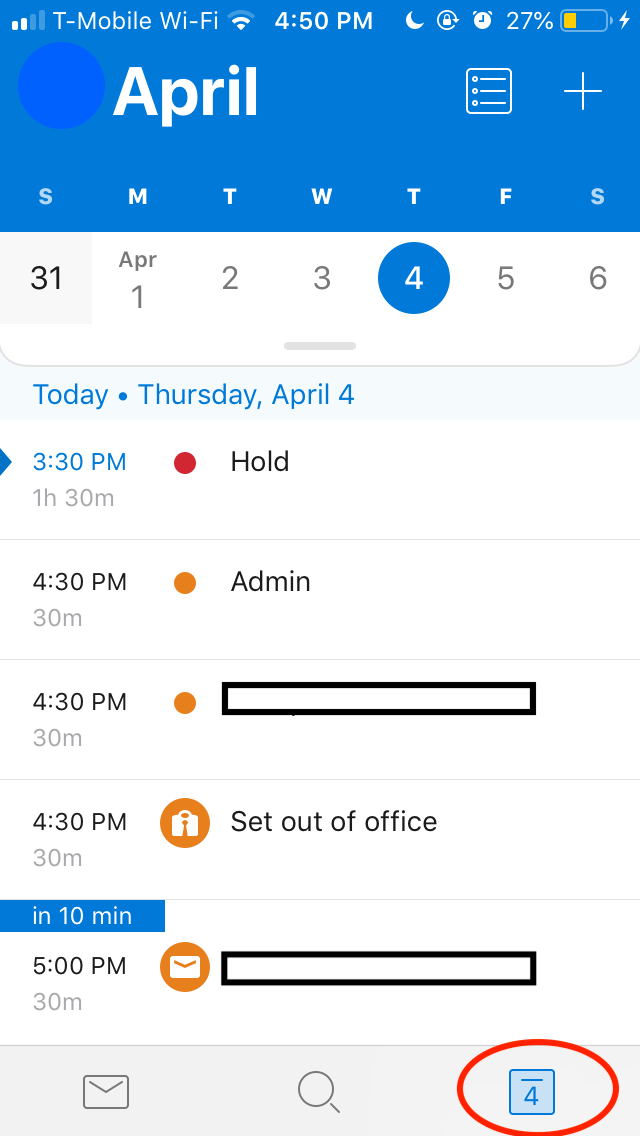
Add A Shared Calendar In Outlook
Launch the calendars app from your home screen. Here’s how to add a shared google calendar to your iphone: Here we'll show you an easy way to add a google calendar to the apple calendar app when you receive a link to a google calendar. Send a note to guests. Tap calendar accounts, then either select an existing account or tap add account.

How Do I Add A Calendar To My Google Calendar
On ios and ipados, tap calendars, then the info (“i”) button next to a calendar, then add person. Open the calendar app and tap calendars. Tap calendar accounts, then either select an existing account or tap add account. You can even use multiple calendars: First, unlock your iphone or.

Add Teams Calendar To Iphone Printable Word Searches
Ios 17, ipados 17, or later: Tap the calendars button in the middle of the bottom toolbar. In a nutshell, adding a google calendar to your iphone is a quick and easy process. Manage guests and rsvp requests. First, unlock your iphone or.

How To Add Attachments To Calendar Events In Ios
Tap done in the upper right hand corner. Install the apple invites app on iphone or use it on icloud.com. If you want to add your outlook calendar to your iphone, there are two ways to do so. You will need the google account information of the calendar you wish to add and your own iphone. Synchronizing your microsoft outlook calendar with your iphone can help you stay organized while you're on the go.

How To Add Photos To Calendar Iphone Lilla Patrice
Your new calendar is now available for you to start adding events to! Send a note to guests. Creating calendars on your iphone is as simple as opening the calendar app, tapping the ‘+’ sign, selecting ‘add calendar,’ naming it, choosing a color, and hitting ‘done.’ with this brief guide, you’ll be organizing your life in no time. You can even use multiple calendars: Ios 18 upgrades, a new ai feature, and integration with the apple invites app have provided several more reasons to use apple’s.
Open The Calendar App On Your Iphone
Make sure the calendar toggle is switched on after adding the account. Here’s how to add a shared google calendar to your iphone: How to add & delete calendars on iphone and ipad. In accessibility shortcut, you can set or add apple watch mirroring.
Install The Apple Invites App On Iphone Or Use
Syncing your calendar between your iphone and ipad will ensure that all your events are available on both devices. Synchronizing your microsoft outlook calendar with your iphone can help you stay organized while you're on the go. If you want to add your outlook calendar to your iphone, there are two ways to do so. To connect your outlook calendar to your iphone, you can add an outlook account to your iphone's calendar app.
Creating Additional Calendars Within The Calendar App And Managing
Tap add calendar, enter a name for the calendar, then choose a color for it. Apple finally added the feature after years of refusing to, and while the. Open the stock “calendar” app from the home screen of your iphone or ipad. You can even use multiple calendars:
Your New Calendar Is Now Available For You
Go to the calendar app on your iphone. Let's get started learning how to. In a nutshell, adding a google calendar to your iphone is a quick and easy process. Learn how to add new calendars, customize your calendar view, and sync with other.