 National Holiday Calendar
How To Add To Calendar On Iphone - On ios and ipados, tap calendars, then the info (“i”) button next to a calendar, then add person. The calendar that comes with your. In this video, we’ll show you the simple steps to create and manage events, appoint. Today, we want to discuss how to add, share, and sync calendars on your mac and iphone so your agenda follows you wherever you go. Adding things to your calendar on iphone is a simple and efficient way to stay organized and manage your time effectively. Then add a location by searching for a.

Any Iphone How To Add Islamic Calendar! All
Welcome to our guide on how to add things to your calendar on any iphone! Events can include a background image, apple maps directions,. You can keep track of all your events and appointments in one calendar, but additional calendars are easy to set up and a great way to stay organized. To add an event to your iphone calendar, you’ll need to open the calendar app.

3 Ways To Add A Google Calendar
The calendar that comes with your. Apple finally added the feature after years of refusing to,. In this video, we’ll show you the simple steps to create and manage events, appoint. Welcome to our guide on how to add things to your calendar on any iphone! Today, we want to discuss how to add, share, and sync calendars on your mac and iphone so your agenda follows you wherever you go.
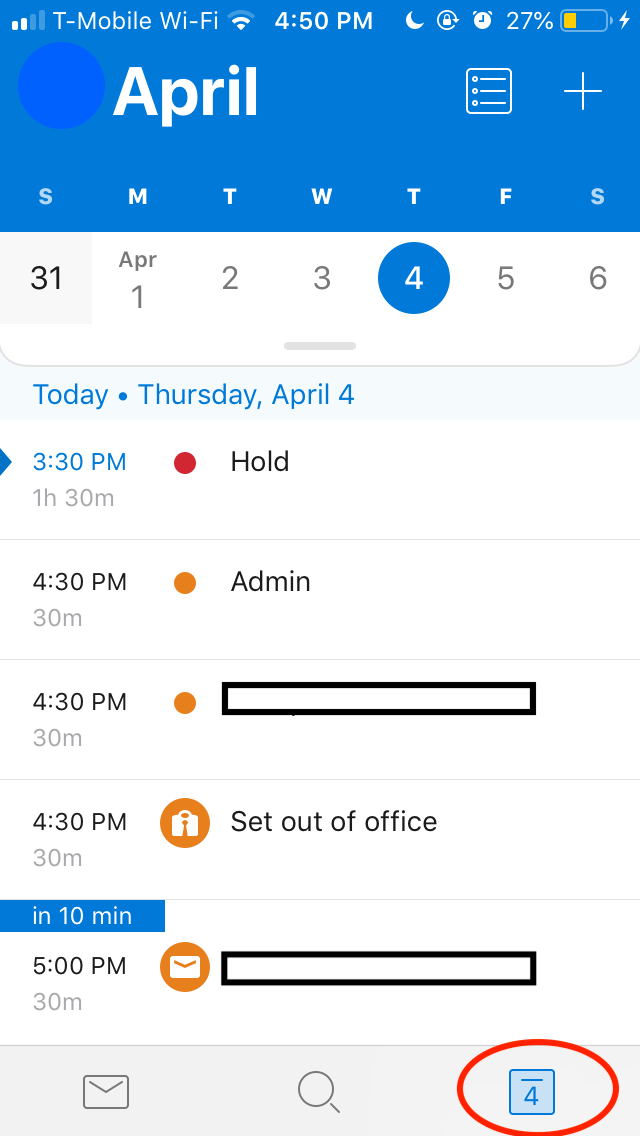
Add A Shared Calendar In Outlook
You can even use multiple calendars: It showed you the dates, with colored dots representing days containing events. Whether you're scheduling meetings, appointments, or reminders, this guide will help. On ios and ipados, tap calendars, then the info (“i”) button next to a calendar, then add person. Apple has just released a surprise new feature for the iphone to help you invite people to parties and other events, according to a new report, as part of a revamp to apple’s.

Add Teams Calendar To Iphone Printable Word Searches
Install the apple invites app on iphone or use it on icloud.com. Learn how to add new calendars, customize your calendar view, and sync with other. Open the apple invites app on your iphone (ios 18 or later) or visit the icloud website if you're on android. Creating calendars on your iphone is as simple as opening the calendar app, tapping the ‘+’ sign, selecting ‘add calendar,’ naming it, choosing a color, and hitting ‘done.’.

Add Calendar Back To Iphone Drucie Tressa
Apple finally added the feature after years of refusing to,. In the calendar app , you can set up multiple calendars to keep track of different kinds of events. Apple has just released a surprise new feature for the iphone to help you invite people to parties and other events, according to a new report, as part of a revamp to apple’s.
It Showed You The Dates
But you couldn’t see any. Apple has just released a surprise new feature for the iphone to help you invite people to parties and other events, according to a new report, as part of a revamp to apple’s. Learn how to add new calendars, customize your calendar view, and sync with other. On macos, choose view > calendar list , then click the portrait icon to the right of any calendar.
Creating Calendars On Your Iphone Is As Simple
Adding things to your calendar on iphone is a simple and efficient way to stay organized and manage your time effectively. Events can include a background image, apple maps directions,. You can also add events by tapping the create event. Whether you're scheduling meetings, appointments, or reminders, this guide will help.
Previously, Calendar’s Month View Was Not Very Useful
Open the apple invites app on your iphone (ios 18 or later) or visit the icloud website if you're on android. In the calendar app , you can set up multiple calendars to keep track of different kinds of events. You can create an event or appointment, and your calendar can be synced between all your apple devices using icloud. You can keep track of all your events and appointments in one calendar, but additional calendars are easy to set up and a great way to stay organized.
Install The Apple Invites App On Iphone Or Use
Scroll down to apps, then tap calendar. In this video, we’ll show you the simple steps to create and manage events, appoint. The calendar that comes with your. You can create an invites event using the iphone app or icloud.com, but only if you're an icloud+ subscriber.