 National Holiday Calendar
How To Sync Icloud And Google Calendar - In the settings panel, navigate to. Log in to your google calendar account. Open the settings app on your device. To connect your apple calendar with your google calendar, follow these simple steps: Your mac will now ask what google apps you want to sync. You must have an icloud account set up on your apple device.

How To Sync Google Calendar With Apple Calendar
Regardless of what apple does to upgrade the calendar app, fantastical 2 keeps me coming back. Using icloud and google calendar. Ensure that your google calendar is synced with your android device, iphone, or computer. Open the settings app on your iphone or ipad. To connect your apple calendar with your google calendar, follow these simple steps:
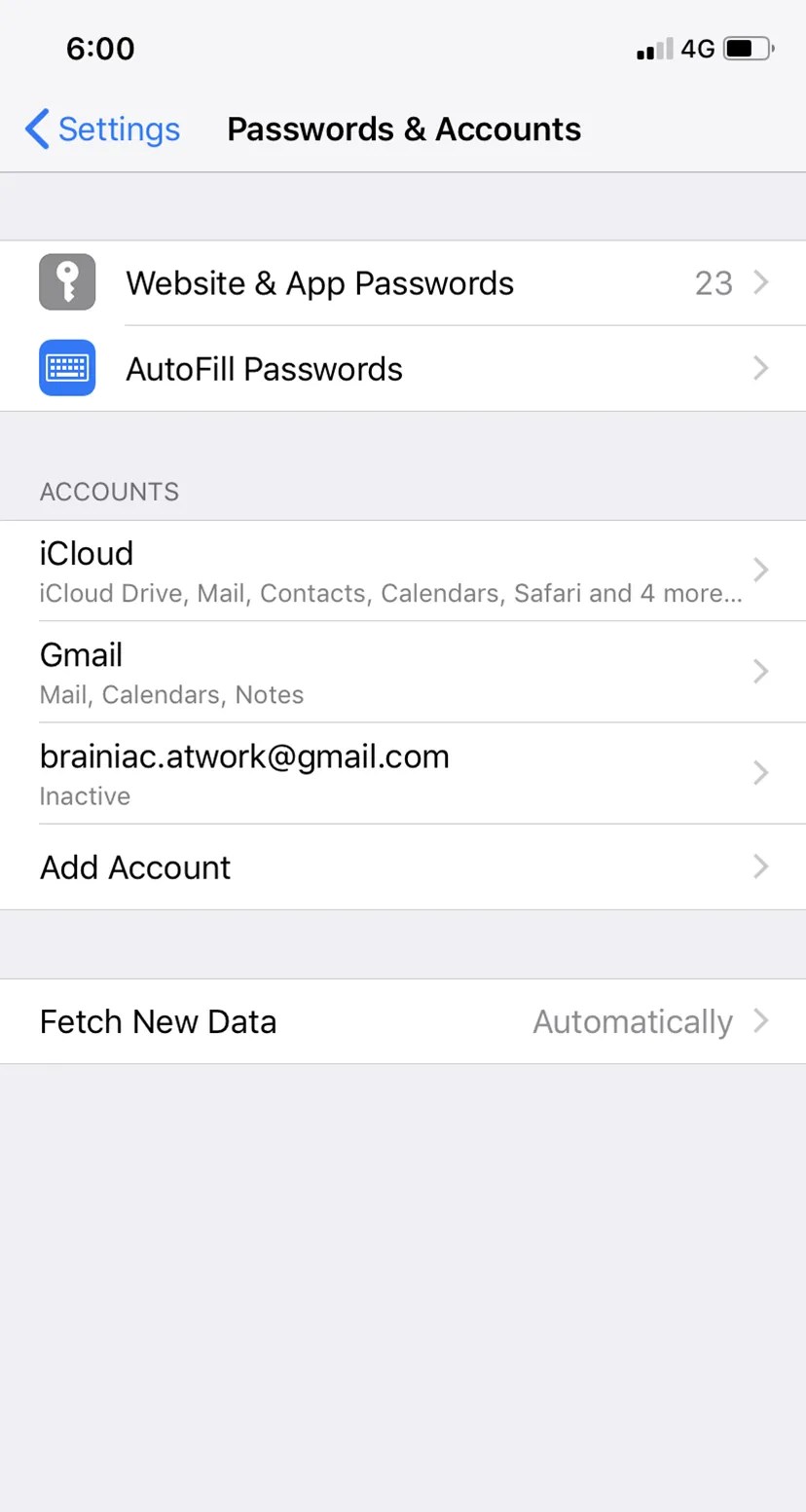
How To Sync Google Calendar With Your Iphone
This is a convenient way to manage your schedules and events from both platforms. Regardless of what apple does to upgrade the calendar app, fantastical 2 keeps me coming back. Scroll down to the calendars section and click on. Open the settings app on your iphone or ipad. Set up icloud calendar on your device.

How To Sync Google Contacts With Icloud
Syncing your apple calendar with your google calendar can be a handy way to keep all your events in one place, especially if you use both apple and google products. Open the settings app on your device. Icloud vs google drive pricing and refunds. Syncing icloud to google calendar is a straightforward process that can help you manage your schedule and stay organized.

How To Sync Google Calendar With Apple Calendar
There are a few ways to sync your icloud and google calendar: Regardless of what apple does to upgrade the calendar app, fantastical 2 keeps me coming back. To merge your icloud calendar with google calendar, you’ll need to enable icloud calendar sync on your google account. That said, icloud has the advantage of having more plans. To synchronize your apple calendar with your google calendar, follow these steps:.

How To Sync Google Calendar With Apple Calendar
The app is features natural language parsing, reminder integration, and even a dashboard to easily see an overview of your events. To synchronize your apple calendar with google calendar, follow these steps: 1) when i add/edit events on my icalendar app on my iphone these do not appear on the google calendar. This is what prompts gmail to allow your emails to arrive in the mac mail app.
Syncing Icloud To Google Calendar Is A Straightforward Process
Set up icloud calendar on your device. To synchronize your apple calendar with your google calendar, follow these steps: The app is features natural language parsing, reminder integration, and even a dashboard to easily see an overview of your events. 1) when i add/edit events on my icalendar app on my iphone these do not appear on the google calendar.
This Is What Prompts Gmail To Allow Your Emails
Open the settings app on your iphone or ipad. My apple calendar is no longer syncing with google calendar. To connect your apple calendar with your google calendar, follow these simple steps: To start syncing your google calendar with icloud, you need to enable icloud calendar syncing in your google account settings.
Google Calendar Sync
That said, icloud has the advantage of having more plans. Ensure that your google calendar is synced with your android device, iphone, or computer. There are a few ways to sync your icloud and google calendar: Follow the simple steps below to sync your apple calendar with google calendar to streamline your scheduling across multiple platforms.
This Is A Convenient Way To Manage Your Schedules
Your mac will now ask what google apps you want to sync. Scroll down to the calendars section and click on. Open the settings app on your iphone or ipad. Using icloud and google calendar.