 National Holiday Calendar
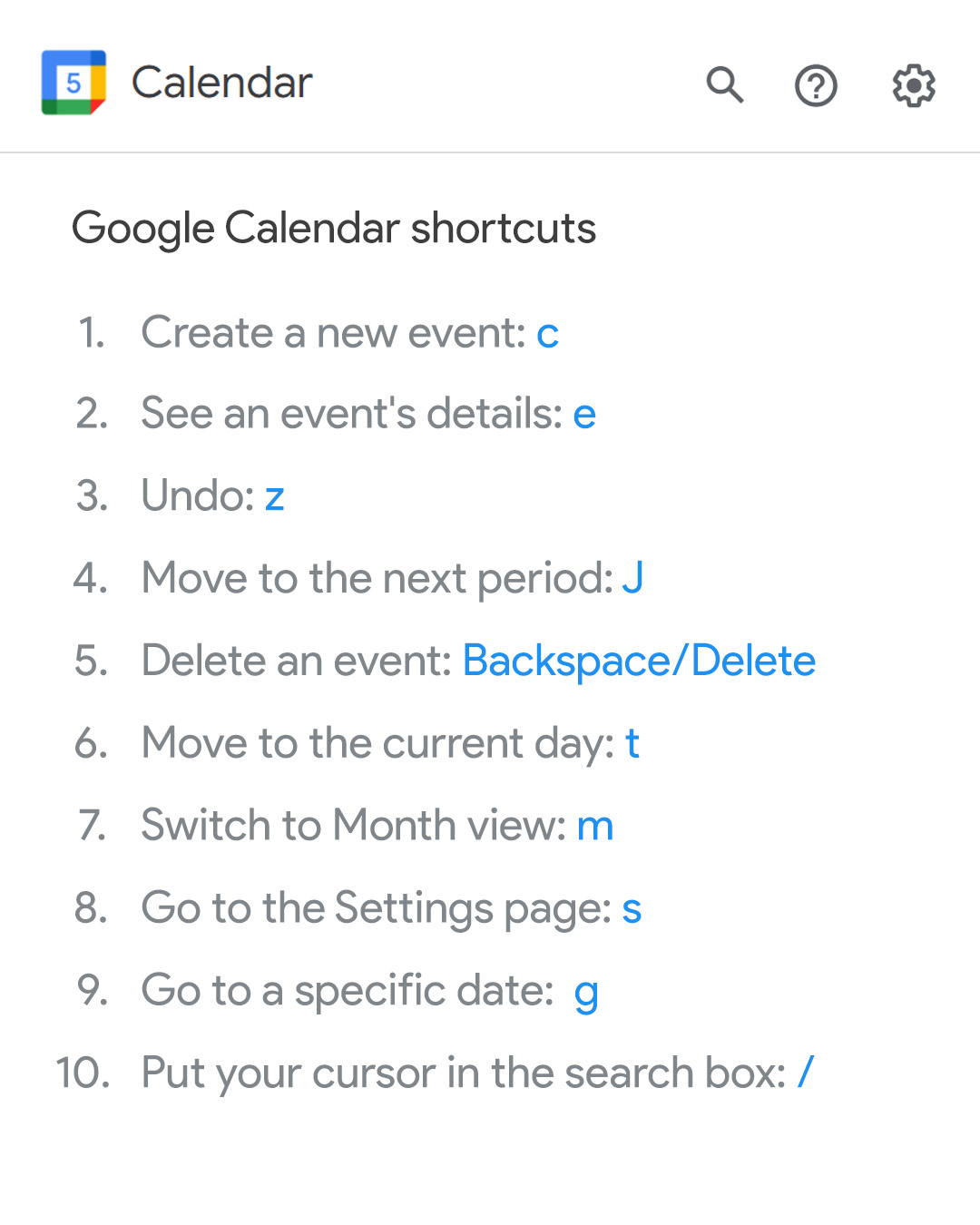
How To Undo On Google Calendar - This keyboard shortcut not only works for undoing single events but can also be used for other actions within the application. Simply perform a ctrl + z (command + z for mac users) keyboard shortcut to undo the most recent action performed in google calendar. Click “trash.” here you’ll find your deleted events. Why undo on google calendar? In the top right, click settings trash. Log in to your google calendar account.

How To Undo In Google Forms
As i haven't actually deleted all the previous events, they don't show up in the bin so i could. To undo an event or appointment on google calendar, follow these steps: Simply perform a ctrl + z (command + z for mac users) keyboard shortcut to undo the most recent action performed in google calendar. And if you are wondering how to restore it, this video is the answer for your issue.

How To Undo In Google Colab 3 Easy Ways
There are several reasons why you might need to undo on google calendar: Click on the undo button. Learn how to undo in google calendar in just a few clicks with our simple step by step guide. And if you are wondering how to restore it, this video is the answer for your issue. Once you delete an event, it goes directly into the trash bin, just like any of your email on your gmail account.

Google Calendar Events
You can undo the following changes on google calendar: If you accidentally delete an event, you can undo the deletion and restore the event to your calendar. By following the steps outlined in this article, you can easily undo events in google calendar and get back to your schedule. Log in to your google calendar account. Have you ever deleted an event on google calendar by mistake.

How To Undo In Google Colab 3 Easy Ways
You find the events deleted from this calendar. To delete all events, select empty trash and click empty to confirm. Simply perform a ctrl + z (command + z for mac users) keyboard shortcut to undo the most recent action performed in google calendar. In this comprehensive tutorial, learn the simple steps to restore a deleted event on google calendar effortlessly.
Undo Google Calendar Delete Anita Breanne
Open the event or meeting you recently edited. This keyboard shortcut not only works for undoing single events but can also be used for other actions within the application. If you accidentally delete an event, you can undo the deletion and restore the event to your calendar. If you missed that chance, here's how to restore a google calendar event: Whether you accidentally removed an import.
Once You Delete An Event
To restore an individual event, next to the event, click restore. Click “trash.” here you’ll find your deleted events. To restore google calendar deleted events on your computer, follow the steps below: Undoing events in google calendar is a simple process that can help you correct mistakes or undo changes that you didn’t intend to make.
Have You Ever Deleted An Event On Google Calendar
To undo an event or appointment on google calendar, follow these steps: You can retrieve it later within 30 days of the deletion. I accidentally applied changes to all events in a series instead of to the single event. The app also didn't show me an undo button so i could quickly revert things.
Locate The Event Or Appointment You Wish To Undo
Simply press the undo button within a few minutes of making an edit. To delete several events, check the boxes and click the trash can icon at the top of the list. There are several reasons why you might need to undo on google calendar: If you accidentally delete an event, you can undo the deletion and restore the event to your calendar.
Open The Event Or Meeting You Recently Edited
Undoing changes in google calendar is a breeze! How to undo accidental deletion of google calendar events? This keyboard shortcut not only works for undoing single events but can also be used for other actions within the application. In this comprehensive tutorial, learn the simple steps to restore a deleted event on google calendar effortlessly.