 National Holiday Calendar
Synching Google Calendar With Iphone - With clear instructions and helpful images, you'll have. We'll walk you through how to sync google calendar to the iphone calendar app for simpler scheduling. Before we dive into the process of linking your iphone calendar to google calendar, it’s essential to enable google calendar sync on your iphone. If you're a gmail user and keep your schedule. If the syncing issues are specific to their calendar events, the user should also open outlook on their iphone, select the calendar tab and click on the profile icon in the top. This comprehensive guide provides a detailed walkthrough on how to sync google calendar with the iphone calendar.

Google Calendar For Iphone Review Imore
Before we dive into the process of linking your iphone calendar to google calendar, it’s essential to enable google calendar sync on your iphone. By the end of this article, you will not only have the step. This article delves into the seamless integration of google calendar with the iphone calendar app,. Open the settings app, tap on mail. Choose an option, in this case,.
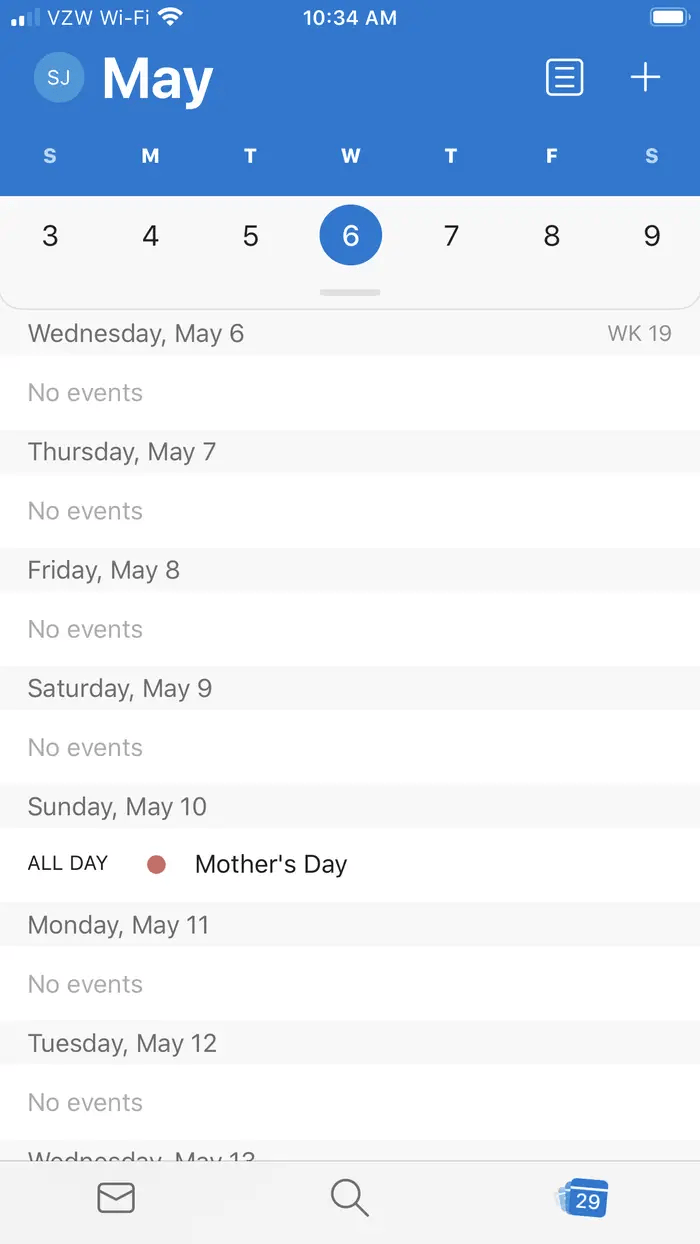
Synching Iphone Calendar With Outlook Lucky Roberta
If you'd prefer to use the calendar app already on your iphone or ipad,. Your mac will now ask what google apps you want to sync. Tap settings on your device. Open the settings app, tap on mail. In this video, we'll guide you through the straightforward process of adding google calendar to your iphone for a more streamlined schedule management experience.

How To Integrate Google Calendar? Revenuehero Docs
If you'd prefer to use the calendar app already on your iphone or ipad, you can sync your events with. With clear instructions and helpful images, you'll have. We'll walk you through how to sync google calendar to the iphone calendar app for simpler scheduling. Follow these steps to set up your google calendar: Open the settings app, tap on mail.

Google Calendar Vs. Apple Calendar
Tap accounts and then select add account. This is what prompts gmail to allow your emails to arrive in the mac mail app. Go to the home screen. If you'd prefer to use the calendar app already on your iphone or ipad, you can sync your events with. We’ll show you two easy ways to sync your google calendar with your iphone:.

Google Calendar Sync App Windy Kakalina
If you'd prefer to use the calendar app already on your iphone or ipad, you can sync your events with. By following these steps and tips, you can ensure that your iphone. Yes, google calendar can sync with iphone calendar. Through your iphone's settings and by using the google calendar app. If you'd prefer to use the calendar app already on your iphone or ipad,.
Your Mac Will Now Ask What Google Apps You
If you're a gmail user and keep your schedule. Synchronizing your google, outlook, and iphone calendars allows for a seamless flow of information and ensures that you’re always on top of your plans. Make sure mail is selected. With clear instructions and helpful images, you'll have.
Go To The Home Screen
It can take several minutes for the synced information to show up. By the end of this article, you will not only have the step. Before we dive into the process of linking your iphone calendar to google calendar, it’s essential to enable google calendar sync on your iphone. If you'd prefer to use the calendar app already on your iphone or ipad, you can sync your events with.
Google Calendar App
Sync the native ios apps on your mobile device with your yahoo personal info. By following these steps and tips, you can ensure that your iphone. Syncing your iphone calendar with google calendar is a straightforward process that requires minimal effort. This article delves into the seamless integration of google calendar with the iphone calendar app,.
We’ll Show You Two Easy Ways To Sync
We'll walk you through how to sync google calendar to the iphone calendar app for simpler scheduling. Now enter your id and password. Tap accounts and then select add account. In this article, we will guide you through the process of syncing google calendar with iphone calendar, making it easier to manage your schedule and stay organized.