 TikTok Trend Analysis
How Do I Make My Tiktok Account Public - You can also choose to allow everyone to comment on your. Tap the menu ☰ button at the top. Start by logging in to your tiktok account. Here are the 3 steps to follow to make your tiktok account public and easy to find. If your account is currently private and you want to make it public, then the toggle at the top of the. If you’re looking to expand your audience, making your tiktok account public is a great first step.
Cara Anda Dapat Menikmati Live Dengan Tiktok Ruang Redaksi
Ban on tiktok does take effect on jan. If your account is currently private and you want to make it public, then the toggle at the top of the. To learn more about your privacy on tiktok, visit our privacy center. Don't have an account yet? In this article, we’ll show you how to make a tiktok account public and unlock its full potential.

How To Make Your Tiktok Account Public From Privacy
Increase your account’s visibility and reach a wider audience. Log in to your account. Get more engagement and likes on your videos. To switch your tiktok profile to public, you need to navigate to the privacy settings in your account. By making your account public, you can:

How To Make Tiktok Account Private Or Public
With a tiktok ban looming in the united states and the app’s future unknown, now might be a good time to save your work while you can. In this quick video, we'll walk you through how to change your account to pub. If your account is currently private and you want to make it public, then the toggle at the top of the.
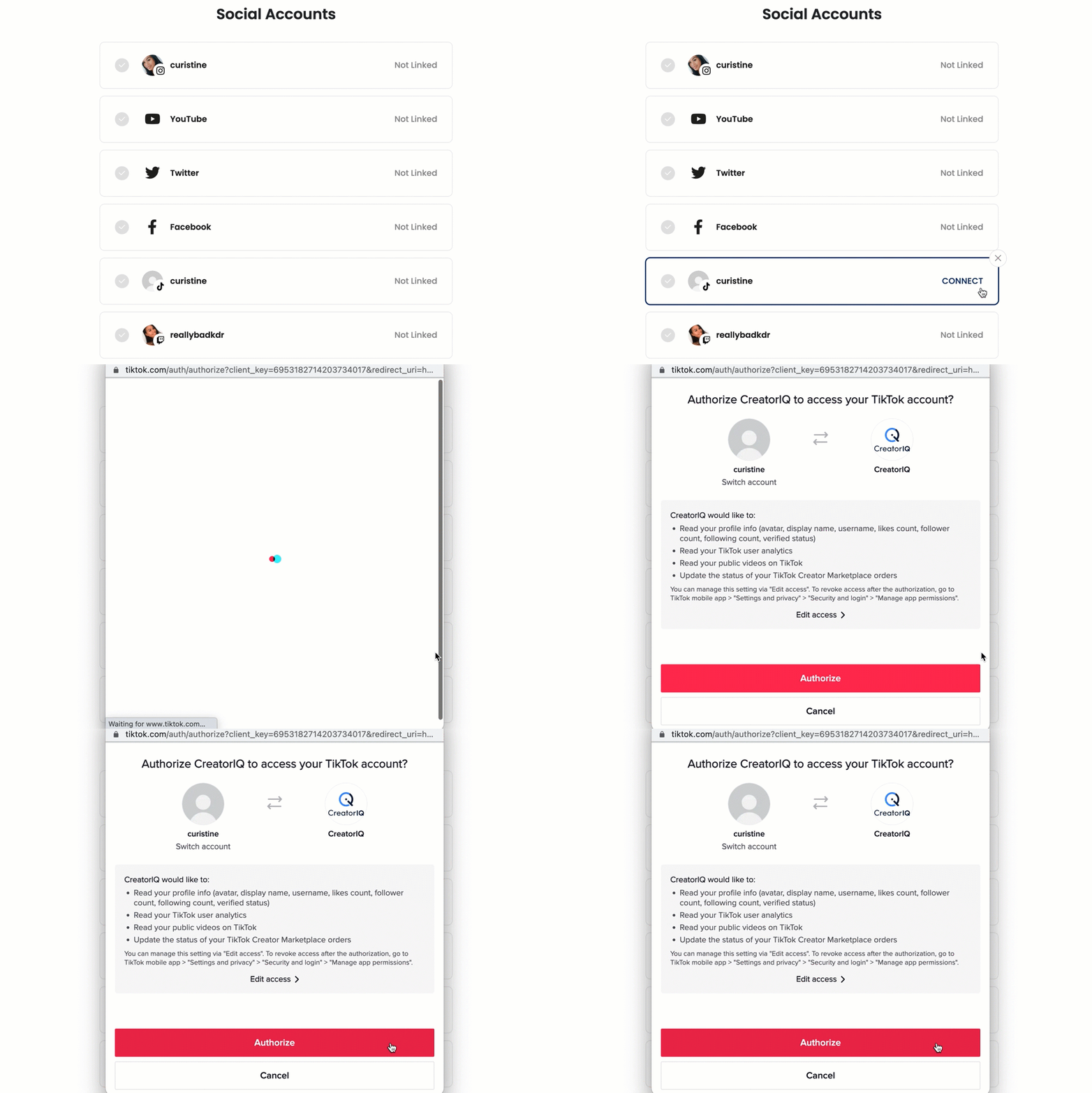
How Do I Connect My Tiktok Account? Creator Support
When your account is public, anyone on tiktok can view, like, and comment. How to make your tiktok account public. Tap settings and privacy, then tap privacy. Tap the menu ☰ button at the top. Ban on tiktok does take effect on jan.

How To Make A Public Tiktok Account 2023 Pelajaran
In this article, we will guide you on how to make your tiktok profile public, allowing anyone to view your content without requiring an invitation to follow your account. In the tiktok app, tap profile at the bottom. Start by logging in to your tiktok account. Making your tiktok account public can seem daunting, but with these steps and tips, you can create a successful and engaging account.
Turn Private Account On Or Off
If you’re one of the 170 million tiktok users in the u.s., it’s time to start making sure your account is properly secured and updated ahead of the impending january ban. With these simple steps, you’ll be able to reach a wider audience and open up new. Tap the menu ☰ button at the top. 19, the app won't automatically vanish from phones.
Looking To Make Your Tiktok Account Public?
In a summer 2024 survey, 32% of adults said they would support the u.s. In this quick video, we'll walk you through how to change your account to pub. When your account is public, anyone on tiktok can view, like, and comment. In this article, we’ll guide you through the steps on how to make your tiktok account public.
Remember To Optimize Your Videos
Use phone email forgot password. Here's what would change, plus preparations and. By making your account public, you can: By following these simple steps, you can switch.
If You’re Looking To Expand Your Audience
If you want to grow your tiktok following you have to make your account public. How to make your tiktok account public. Tap settings and privacy, then tap privacy. Before we dive into the process, let’s.