 TikTok Trend Analysis
How To Add A Caption On Tiktok - Open the tiktok app and select the video you want to add captions to. Add text overlays or calls to action to keep. Mix trending, niche and branded hashtags to boost reach. Adding captions can help you get more likes and comments (engagement). We are here to help you understand all. How to add captions on your tiktok videos in this video.

How To Edit Caption On Your Tiktok Videos?
To add captions to your tiktok videos, follow these straightforward steps: Now it’s time to add captions to your tiktok videos. Why do you need captions and subtitles on tittok? It's the “aa” icon you'll find at the bottom of the screen. Tap the text button to add a caption.
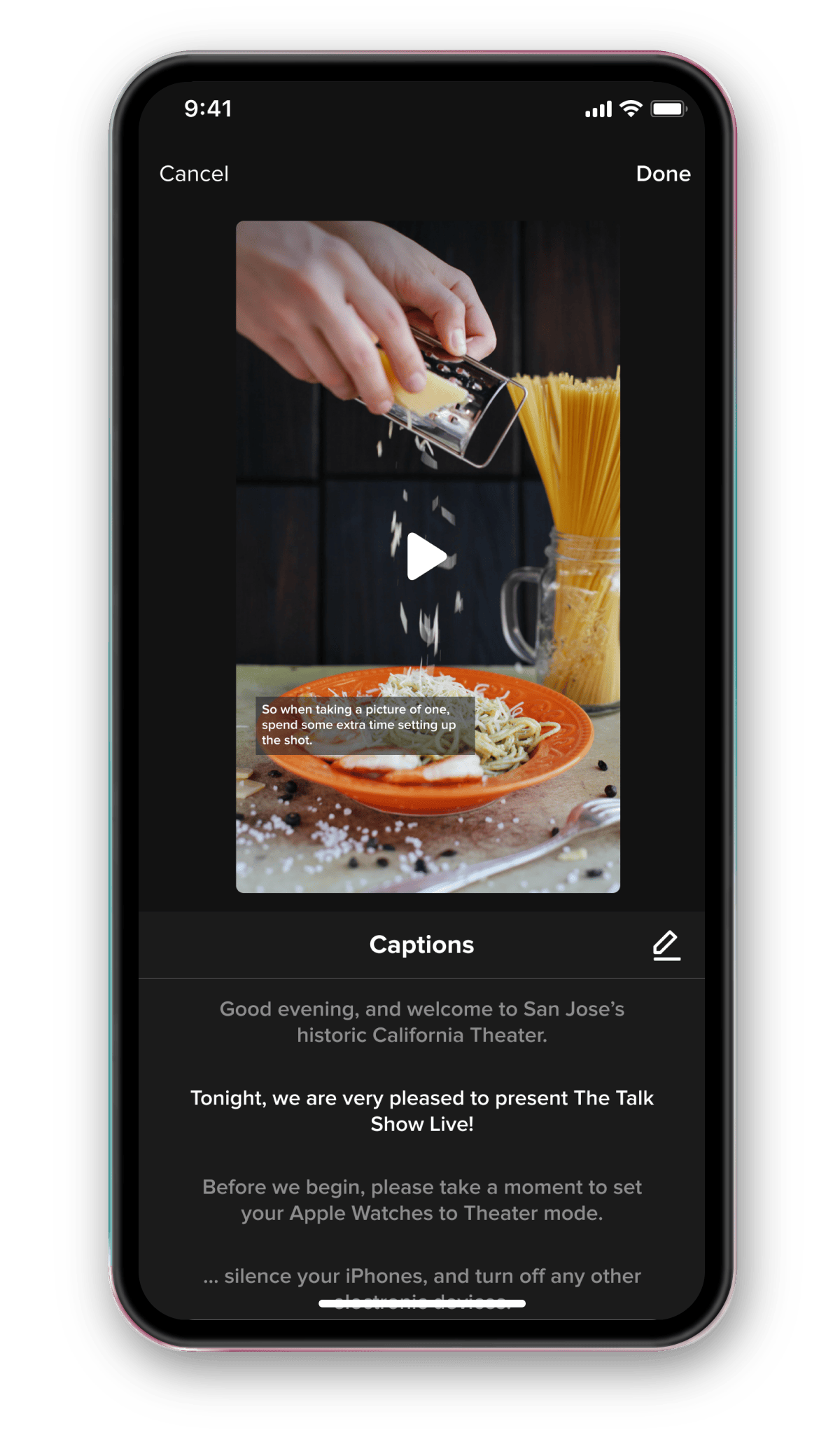
Introducing Auto Captions Tiktok Newsroom
While some opt to use tiktok’s internal. Tap on the text tool: For more videos like this then please leave a like. You'll just need to turn it on in the editing stage, check for accuracy, and then upload your video normally. Here's how to add captions on tiktok using your iphone, ipad, or android device.

How To Edit Caption On Tiktok ( 5 Steps
You'll just need to turn it on in the editing stage, check for accuracy, and then upload your video normally. Open the tiktok app and select the video you want to add captions to. Tap on the text tool: While some opt to use tiktok’s internal. The ‘on’ and ‘off’ captions aspect is easy for users to navigate, so it calls comes down to how to add closed caption to tiktok videos and the process.

How To Edit Caption On Your Tiktok Videos?
Now it’s time to add captions to your tiktok videos. Record or upload your video. You can follow the below guide on how to add auto captions on tiktok. Just follow these three easy methods listed below: Open the tiktok app and tap the plus icon at the bottom of the.

How To Edit Caption On Tiktok ( 5 Steps
Tiktok video from shann (@shann_chinita2): We are here to help you understand all. Perfect for enhancing your tiktok content! Open the tiktok app and select the video you want to add captions to. For more videos like this then please leave a like.
“Learn How To Add Captions And Adjust Duration
In the following sections, we will explore. Perfect for enhancing your tiktok content! Record or upload your video. Mix trending, niche and branded hashtags to boost reach.
For More Videos Like This Then Please Leave
To add captions to your tiktok videos, follow these straightforward steps: We are here to help you understand all. Adding captions can help you get more likes and comments (engagement). Now it’s time to add captions to your tiktok videos.
Open The Tiktok App And Select The Video You
Start by creating or choosing a video. Open the tiktok app and tap the plus icon at the bottom of the. Just follow these three easy methods listed below: Let’s say you watch a video from gary vee about “be grateful” while you take a quick break at.
It's The “Aa” Icon You'll Find At The Bottom
There are several ways to add captions to tiktok videos through the tiktok app itself. How to add captions on your tiktok videos in this video. You'll just need to turn it on in the editing stage, check for accuracy, and then upload your video normally. Add text overlays or calls to action to keep.