 National Holiday Calendar
How To Add Reminder To Google Calendar - Learn how to create a reminder in google calendar in just a few clicks with our simple step by step guide. Click on the new button in the top left corner of the google calendar page, located next to the today button. Adding reminders to google calendar is a simple process that can help you stay organized and on top of your schedule. Daily, weekly, etc.) and the reminder message. Tap on the date below the box and choose the date for the reminder. Set up google calendar as the action.

Google Calendar Adds Reminder Feature To App
To add a reminder in google calendar, you need to create a new event. Click on the reminders tab in the top right corner of the event page. Click on the add reminder button. Click on the + icon to create a new event. Follow the steps given below to mark reminders as done in google calendar:

How To Add A Reminder In Google Calendar
Adding a reminder to google calendar is fairly simple. Click add next to “then that.” search for and select google calendar as the action service. You can add reminders to your google calendar to avoid forgetting certain events or tasks. All you need to do is log in to google calendar, with your existing google. First, open google calendar on your.
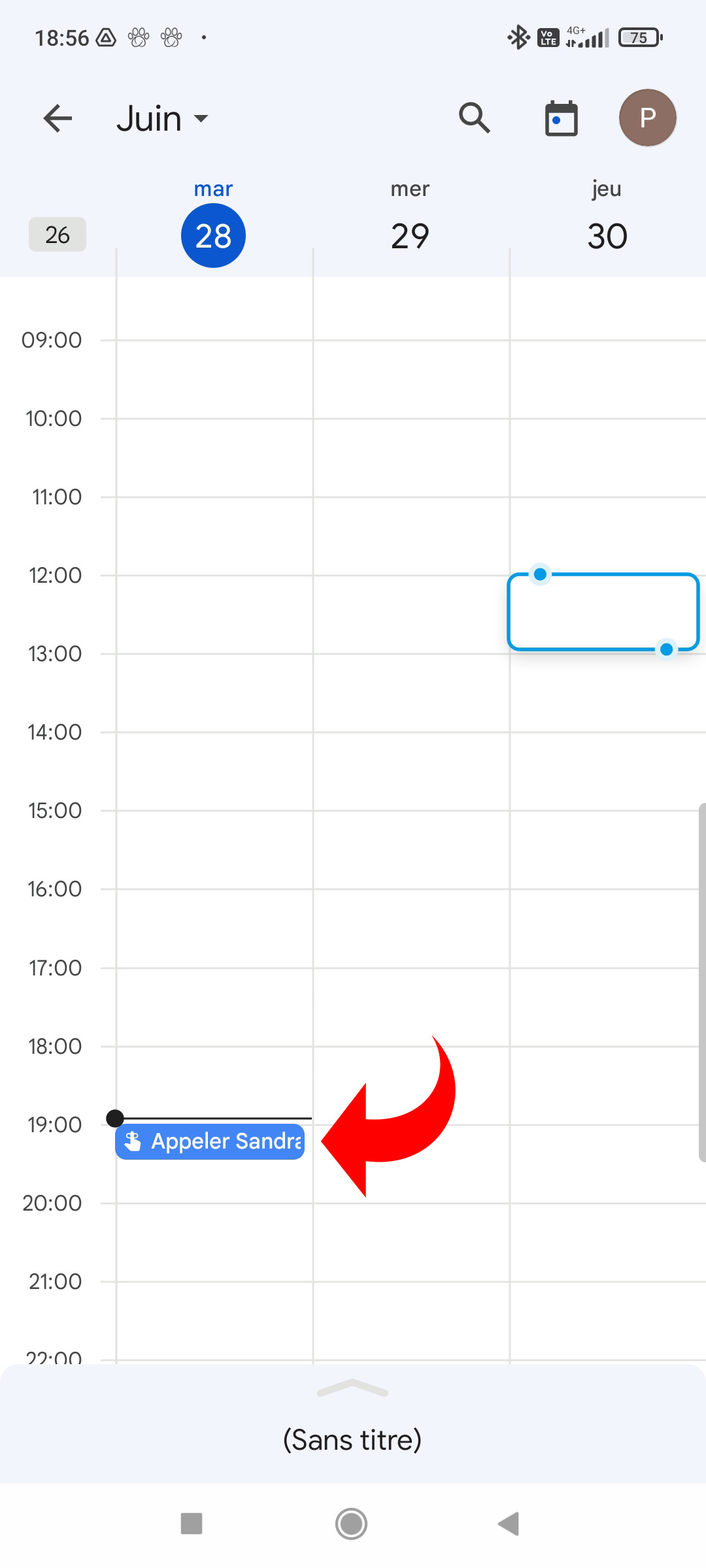
How To Create A Reminder In Google Calendar? Techzle
Here's how to do it on desktop or mobile. The newer version of the reminder will be updated. Test and activate the applet. Click on the add reminder button. Select the event you want to set a reminder for.

Google Calendar All Day Reminder Notification Devan Stafani
But when i hit the save button, google calendar decided to take my note and (a.) delete if from where i posted it, (b.) move it to the 7 p.m. Click on the add reminder button. Tap on plus icon at the bottom. Then, click on set appointment with google calendar. In the upper left corner, click on the plus (+) button.
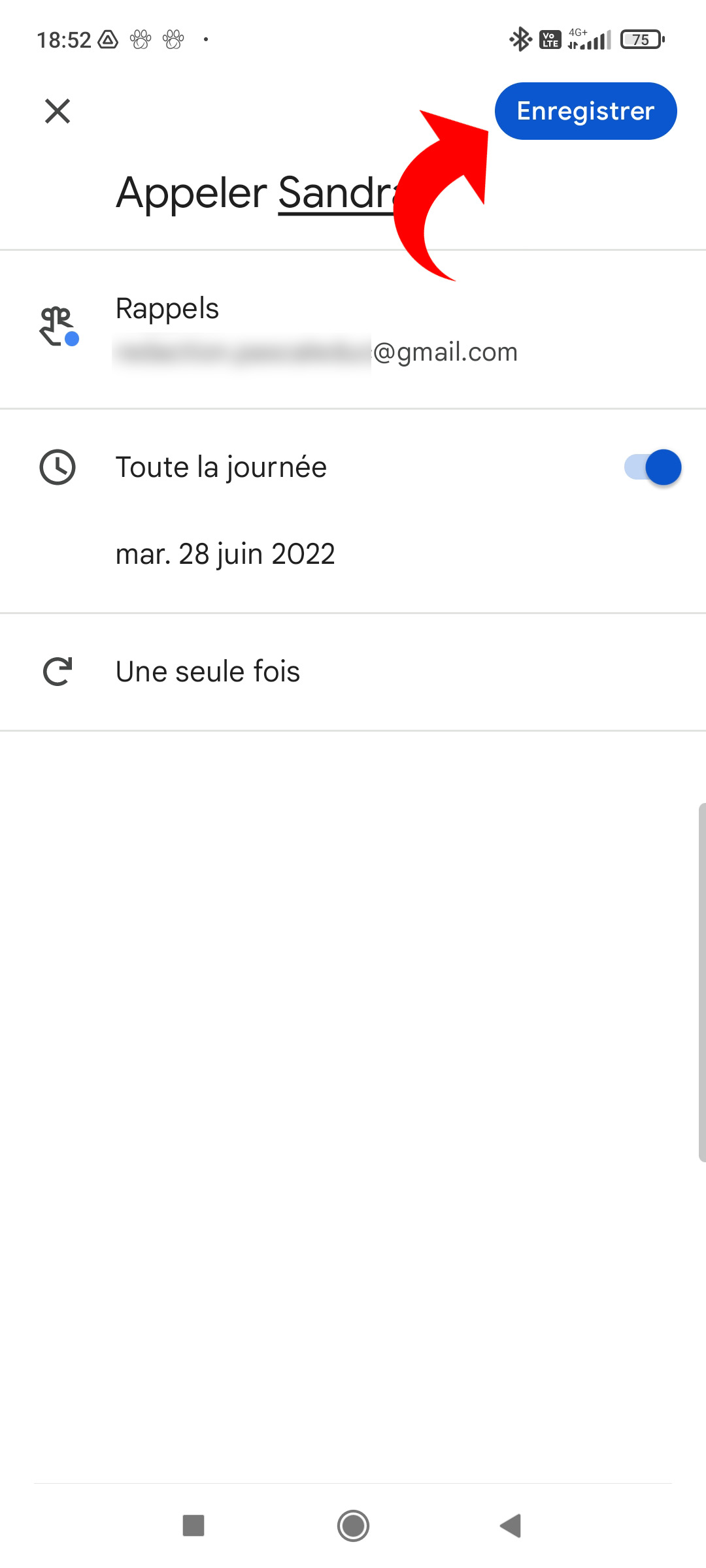
How To Create A Reminder In Google Calendar? Techzle
“when a user requests to schedule an event, collect key details, such as the event name, date, time, and location”, and then under the prompt box , select always ask for. Tap on reminder option at the end. Enter the reminder details, including the reminder type (e.g. Daybook slot, and (c.) change the post to read last. Key features of a new event:.
Tap On The Date Below The Box And Choose
Enter a title for your reminder. You can do this by logging in to your google calendar account and clicking on the new event button. Enter the reminder details, including the reminder type (e.g. Set up google calendar as the action.
A New Page Will Open
Click add next to “then that.” search for and select google calendar as the action service. Reminders work similarly to tasks in google calendar except that you don't have a description or detail field. The web app allows you to check all your reminders in calendar view. Daily, weekly, etc.) and the reminder message.
Here's How To Do It On Desktop Or Mobile
Click on the add reminder button. Choose the type of reminder you want to add (e.g. Follow these simple steps to add a reminder in google calendar: Alternatively, click create on the top left and pick reminder.
Select The Event You Want To Set A Reminder
Choose create a detailed event. customize the event details by using email content for the event title, description, and time. First, open your google calendar on your computer or mobile device. Next, click on the add new button at the top. To set a reminder in google calendar, follow these steps: