 National Holiday Calendar
How To Make A Public Google Calendar - With a public calendar, you can trust that everyone is on the same page and. You can set up automated filters in most email providers to do this automatically. You can do this by clicking on the google apps icon in the upper right corner of the page and. Go to google calendar in your preferred browser on your pc. How to make your google calendar public (create & manage a public google calendar).in this tutorial, you will learn how to make your google calendar public. Here's how to do it and embed the calendar to your website.

How To Make Your Google Calendar Public
To make your google calendar public, you need to enable the public calendar feature. On the left side, find the ‘my calendars’ slot. Whether it’s to keep your friends and family informed about your schedule, or to share your work schedule with colleagues, making your google calendar public can be a helpful tool. Navigate to your available google calendars list.
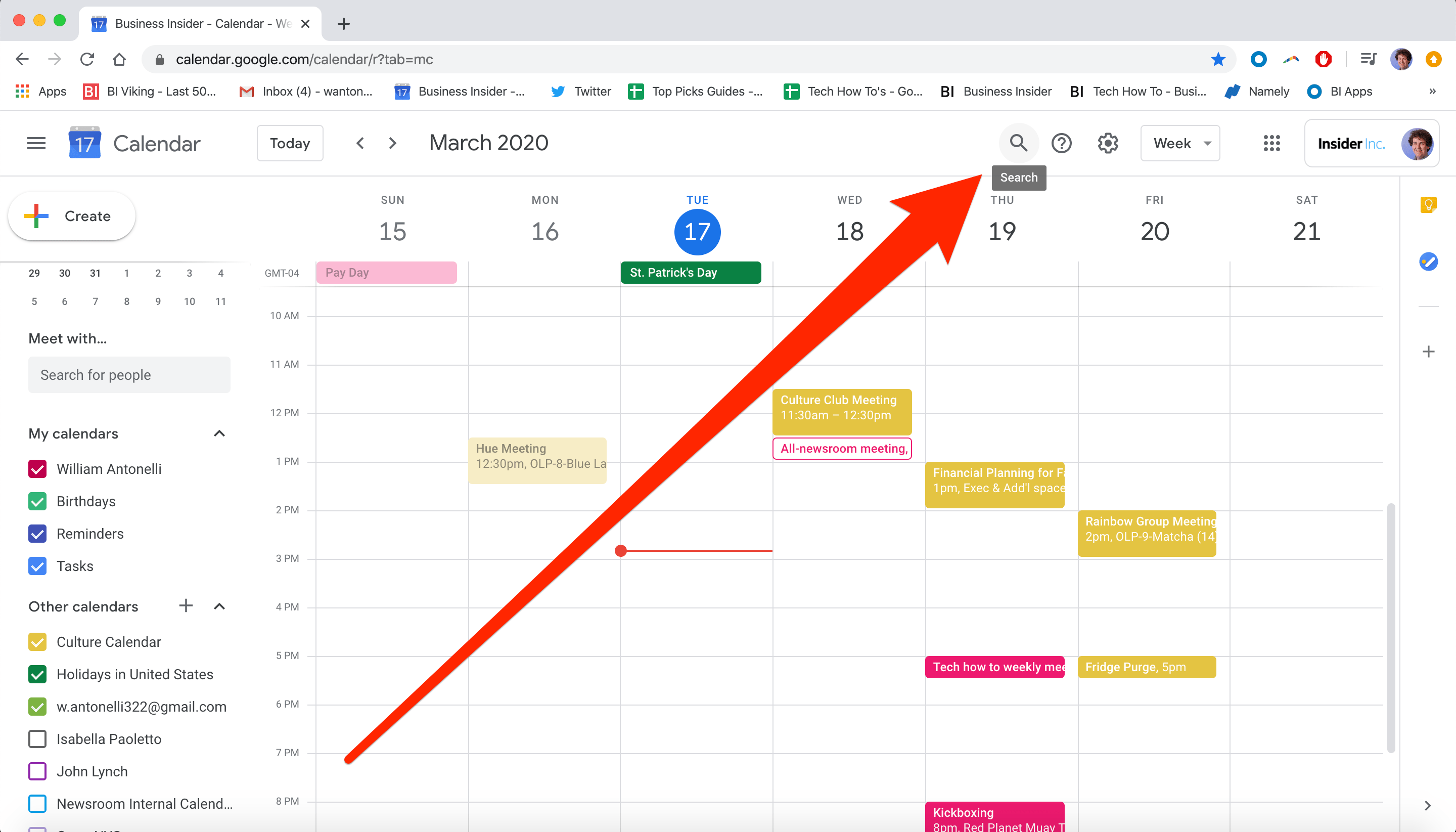
Google Calendar Public Settings Coverletterpedia
Here's how to do it and embed the calendar to your website. Customizable dashboardsfree trial offerintegrationskanban view Set permissions to make changes to events for booking privileges. Set up google calendar as the action. How to make a calendar public & searchable, viewable by the public, in google calendar

Public Google Calendar
Hover on the calendar you want to share from my calendar. Set permissions to make changes to events for booking privileges. Go to google calendar in your preferred browser on your pc. Navigate to your available google calendars list. Make sure the link is set to “anyone with the link” so that anyone who has the link can edit the sheet.

How To Make My Google Calendar Private
You can set up automated filters in most email providers to do this automatically. As an admin, you can control how much calendar information people in your organization can share with users external to your organization. You can do this by clicking on the google apps icon in the upper right corner of the page and. In this guide, i’ll explain how you can make a google calendar public to all.*🕔 key moments*00:00 | introduction00:12 | how to make a google calendar publi.

How To Share Google Calendar
On calendars with “make changes to events”. Sharing google calendar availability using onecal. Click add calendar > create new calendar. name the calendar (e.g., meeting room a) and add a description. So, you want to make your google calendar public? Find your public calendar on a website or in search results, if the website is searchable.
Public Google Calendar
Make sure the link is set to “anyone with the link” so that anyone who has the link can edit the sheet. In this guide, we'll explore several ways to share your google calendar: Click on the my activity button in the top right corner of the page. Click on the three dots nearby and select the ‘settings and sharing’ option.
Calendar Settings
Under ‘access permissions’, check the. Click add calendar > create new calendar. name the calendar (e.g., meeting room a) and add a description. Select the particular calendar you want to share from the drop down list. On your computer, open google calendar.
How To Make A Google Calendar
In this article, we’ll show you how to create a public google calendar and share it with others. When you make a calendar public, people can: And just like that, your google sheet is now set for public editing! Click on the settings icon (looks like a gear) in the top right corner of the page.
Click Add Next To “Then That.”
By creating a shared calendar on google, you can stay organized, streamline communication, and boost productivity. Hover on the calendar you want to share from my calendar. One handy google calendar feature is the ability to create separate calendars. Set up google calendar as the action.