 National Holiday Calendar
Sync Apple Ical With Google Calendar - Make sure you have the latest version of apple calendar and the latest apple. Go to ical > preferences > accounts, and click on the + button to add a new. To sync your calendar apps on ios and ipad, you’ll need to. On your iphone, open settings >. Keep reading to find out how you can sync google calendar and apple calendar on your iphone, ipad, and mac. To sync your google calendar with your apple calendar, you can follow these steps:

Sync Ical With Google Calendar Iclarified
To sync your calendar apps on ios and ipad, you’ll need to. Before we dive into the process of linking your iphone calendar to google calendar, it’s essential to enable google calendar sync on. Sync and manage your calendars effortlessly. Log in to your google calendar account. You can add google calendar events to your apple calendar on your mac, iphone, or ipad.

How To Sync Google Calendar With Ical
Follow these simple steps to sync your google calendar with ical so. Keep reading to find out how you can sync google calendar and apple calendar on your iphone, ipad, and mac. To sync your calendar apps on ios and ipad, you’ll need to. Check out our ical viewer! Go to system preferences > internet accounts > add account >.

Ical Calendar Sync Smartsheet
To synchronize your apple calendar with your google calendar, follow these steps: Check out our ical viewer! Seamlessly integrates with other apple apps,. This guide walks you through the process of importing your ical. There are many ways to sync google calendars and ical so that all your devices are always up to date.

Sync Google Calendar With Ical
Follow these simple steps to sync your google calendar with ical so. Learn how to sync your calendar for seamless appointment management. There are many ways to sync google calendars and ical so that all your devices are always up to date. To begin, open ical on your mac or ios device. How to synchronize apple calendar with google calendar.
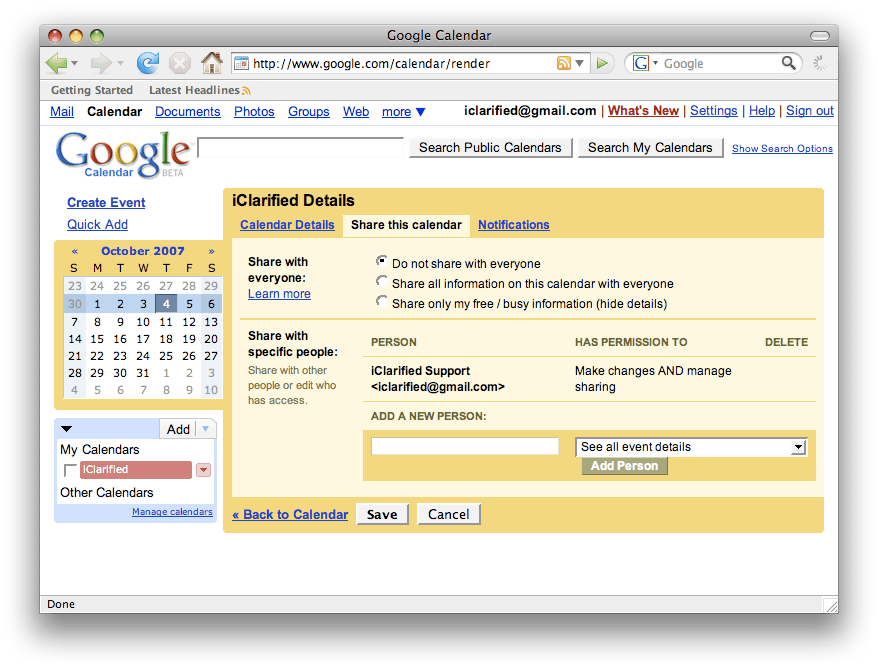
Sync Ical With Google Calendar Iclarified
Make sure you have the latest version of apple calendar and the latest apple. Log in to your google calendar account. 1) open your google calendar and access the calendar settings. Keep reading to find out how you can sync google calendar and apple calendar on your iphone, ipad, and mac. How to synchronize apple calendar with google calendar.
Google Calendar With Ical
Log in to your google calendar account. With a few simple steps, you can sync your ical with google calendar, ensuring you never miss an important date or event. To start syncing your ical calendar to google calendar, you need to enable the ical syncing feature in google calendar. Go to system preferences > internet accounts > add account >.
Enable Caldav On Your Mac
To sync with an existing account, tap the account and turn on calendars. To sync your calendar apps on ios and ipad, you’ll need to. Seamlessly integrates with other apple apps,. To synchronize your apple calendar with your google calendar, follow these steps:
This Guide Walks You Through The Process Of Importing
1) open your google calendar and access the calendar settings. Before we dive into the process of linking your iphone calendar to google calendar, it’s essential to enable google calendar sync on. Syncing with your google account is already built in to the ical program, and allows you to add new events, delete events, move events from your local folder to your google calendar and. How to synchronize apple calendar with google calendar.
Enable Google Calendar Syncing In Ical
Go to ical > preferences > accounts, and click on the + button to add a new. 1) when i add/edit events on my icalendar app on my iphone these do not appear on the google calendar. Syncing these two popular calendar platforms can help you stay organized and ensure that all your. To begin, open ical on your mac or ios device.